
How to Build an AI-Powered Second Brain with Obsidian
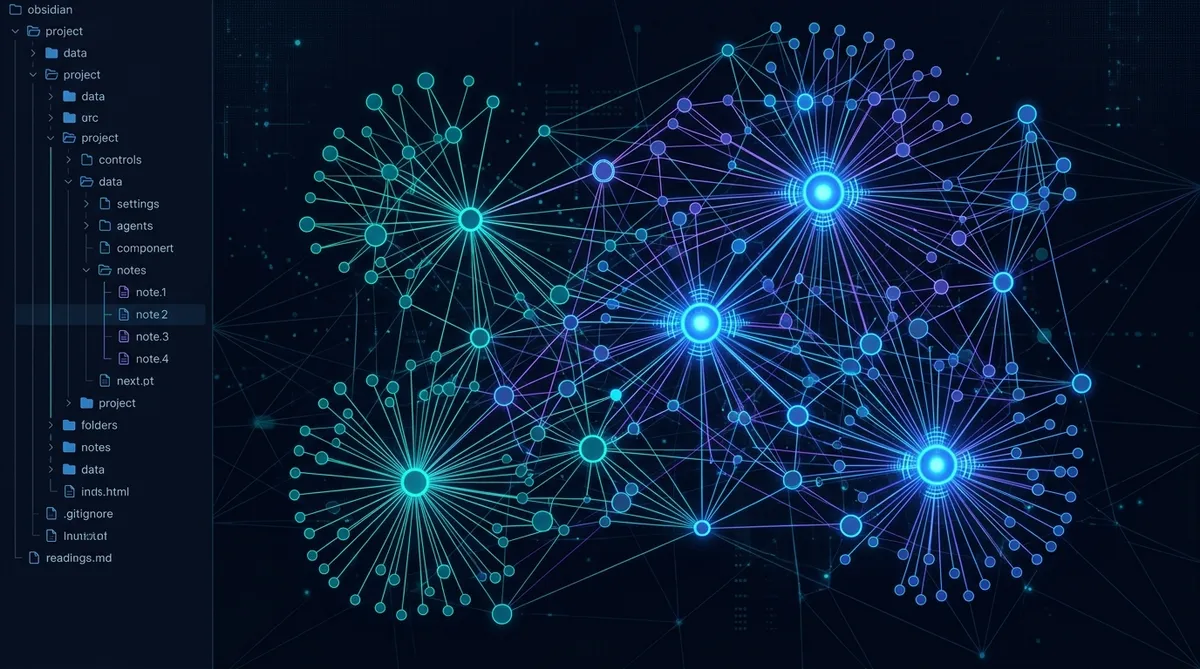
The best way to make your AI agent smarter isn’t a better prompt. It’s putting the agent and your notes in the same folder.
When your AI agent can read your knowledge base directly, you stop copy-pasting context into every conversation. The agent already knows your projects, your terminology, your preferences, and your decisions. It reads the same notes you do, updates them when things change, and builds on what’s already there instead of starting fresh.
We’ve been running this setup for weeks: an Obsidian vault that doubles as an AI agent’s working directory. Here’s how it works and how to set it up.
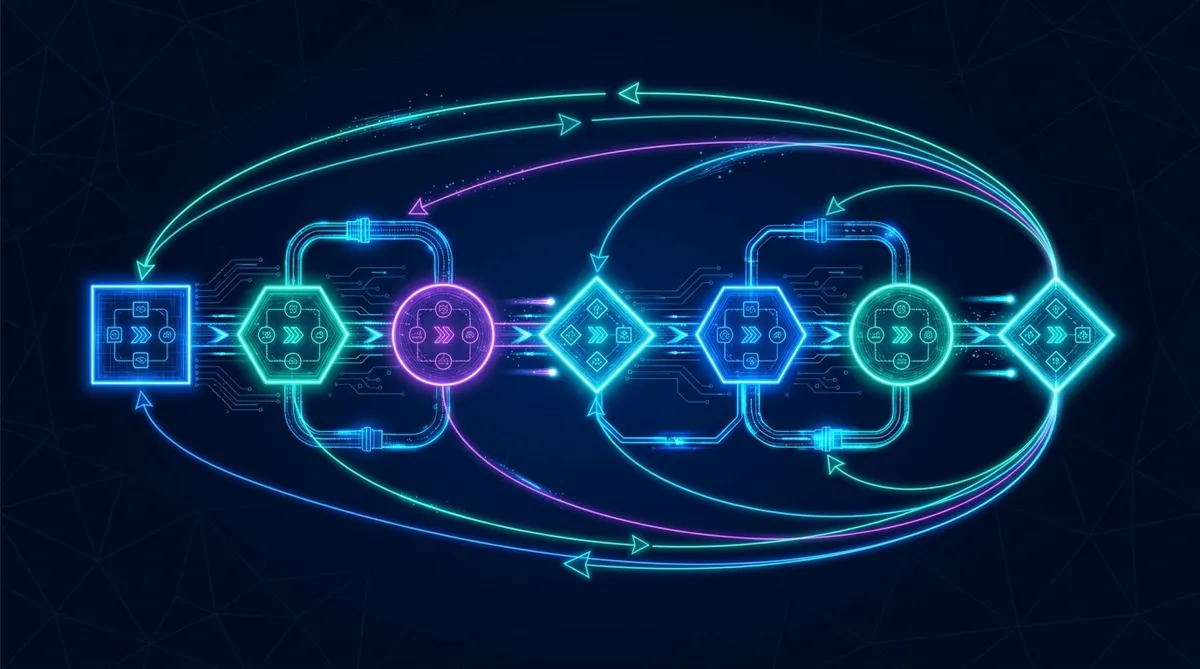
The Core Insight: Same Folder, One System
Most people use Obsidian on one side and their AI tool on the other. They copy information from their notes into a prompt, get a response, and maybe paste the good parts back into a note. Two systems, constant bridging.
The fix is simple: point your AI agent at your Obsidian vault. Now both you and the agent read and write to the same files. Obsidian renders the markdown beautifully for you. The agent parses it as structured text. Same data, two interfaces.
This works because Obsidian stores everything as plain markdown files in a regular directory. No proprietary format, no database, no sync service required. Any tool that can read and write files can work with an Obsidian vault.
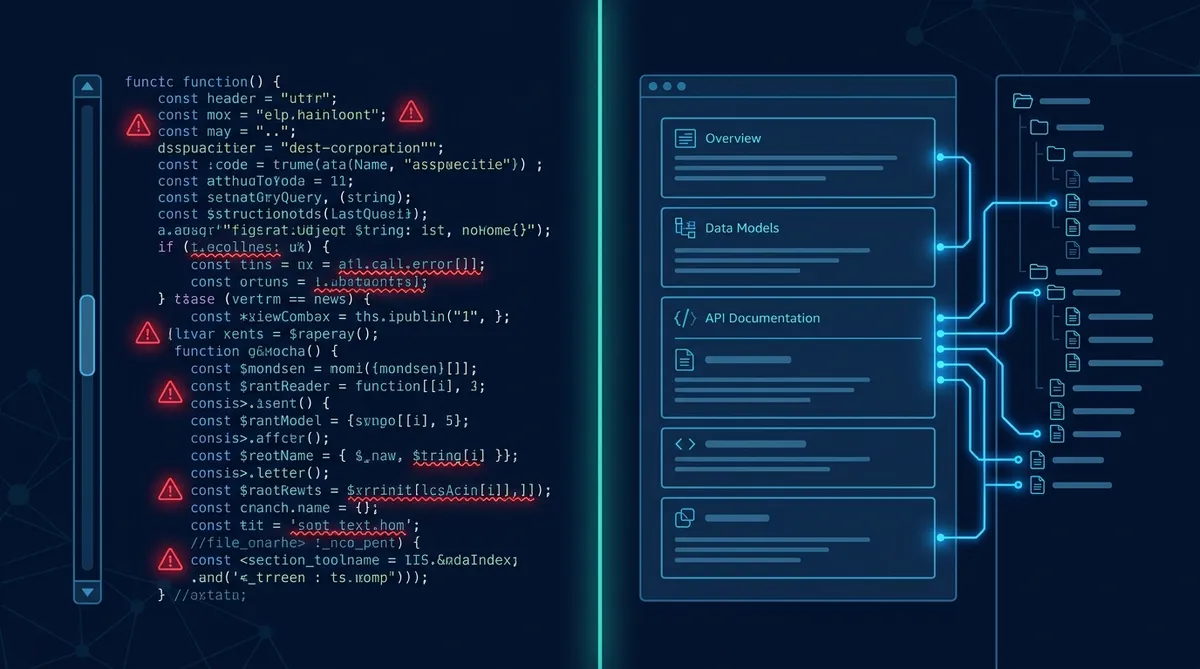
Why Markdown Is the Common Language
Setting Up the Shared Workspace
The minimum setup has three components.
Your Obsidian vault. This is your knowledge base. Notes, projects, references, decisions, whatever you already track. If you don’t have one yet, create a new vault in a location your AI agent can access.
A CLAUDE.md (or equivalent context file). This is the agent’s onboarding document. It sits at the root of the vault and tells the agent: who you are, what the projects are, what the shorthand means, where to find things, and what your preferences are. Think of it as the README for your brain.
A task file. TASKS.md, a Kanban board, or whatever format you use for tracking work. The agent reads this to know what’s active, what’s blocked, and what’s next. It updates it as work gets done.
my-vault/
  CLAUDE.md          # Agent context (Tier 1)
  TASKS.md           # Active work tracking
  memory/            # Operational knowledge (Tier 2)
    projects/        # One file per project
    people/          # Key contacts
    workflows/       # Documented processes
  specs/             # Deep reference (Tier 3)
  personal/          # Your personal notes
  .obsidian/         # Obsidian config (agent ignores)
The agent works in the vault the same way you do. It reads notes for context, creates new notes when it learns something, and updates existing notes when things change.
What the Agent Can Do That You Can’t (Efficiently)
Having the agent in your vault unlocks three capabilities that are painful to do manually.
Cross-reference at scale. You have 200 notes. The agent can scan all of them in seconds to find every mention of a project, a person, or a concept. We asked our agent “what do we know about LaunchControl?” and it found references in 14 files across projects, workflows, specs, and archived decisions in under 3 seconds. Try doing that manually in Obsidian’s search when you’re not sure which files to look in.
Structured extraction. You dump a meeting transcript, a long article, or a research thread into the vault. The agent reads it, extracts the actionable items, routes them to the right project files, and adds context links. What takes you 30 minutes takes the agent 30 seconds.
Consistent formatting. Your notes probably have three different heading styles, inconsistent tag usage, and orphaned files with no links. The agent can enforce a structure standard across every file it touches without you thinking about it.
The Three-Tier Memory Pattern
Raw Obsidian vaults get messy fast, especially with an agent creating and updating files. The structure that scales is three tiers, organized by how frequently information gets accessed.
Tier 1: Always loaded. CLAUDE.md and TASKS.md. The agent reads these every session. They contain: identity, key terms, project list, active tasks, preferences, and pointers to deeper files. Keep these lean; under 200 lines for CLAUDE.md.
Tier 2: Read on demand. The memory/ directory. One-pagers about projects, people, workflows, roles. The agent reads these when the current task requires that context. Each file is self-contained and fits on one screen.
Tier 3: Deep reference. Specs, historical decisions, build documentation. The agent only reads these when building or investigating something specific. They don’t change often and aren’t part of daily work.
The Promotion Rule
Kanban Boards the Agent Can Read
Obsidian’s Kanban plugin stores boards as markdown files. This means your AI agent can read your Kanban board, understand what’s in progress, and update card positions as work completes.
The simpler version (and what we actually use) is a flat markdown task file:
TASKS.md Format
## Active
- [ ] Write five AF1 articles (content sprint)
- [ ] Hand CC spec for template fixes

## IDEAS (ranked by leverage)
- [ ] Build GSDF intake skill
- [ ] Set up scheduled tasks for recurring work
- [ ] Build romeoraven.com portfolio site

## Done
- [x] AF1 full site audit + homepage restructure (2026-03-22)
- [x] CLife audit + contrast fixes (2026-03-22)
The agent reads this at session start to know what’s current. As it completes work, it moves items to Done with a date stamp. New tasks discovered during work get added to IDEAS. The file is the single source of truth for task state, readable by both human and agent.
Making It Work with Obsidian Plugins
Twelve Obsidian community plugins run alongside the AI agent without conflicts. The key ones:
Dataview lets you query your notes like a database. The agent doesn’t use Dataview directly, but you can set up queries that surface patterns across your vault. “Show me all notes tagged #project with no recent update” catches things that have gone stale.
Omnisearch gives you full-text search across every note, including file contents. The agent has its own search (grep, file scanning), but Omnisearch is faster for your manual lookups.
Kanban stores boards as markdown. The agent can read and update them as plain files. The visual board is for you; the markdown is for the agent.
Templates give you consistent note structure. When the agent creates a new project note, it can follow the same template you’d use, keeping the vault consistent.
The .obsidian/ directory contains all plugin configs. The agent ignores it. Your Obsidian setup and the agent’s file operations never conflict because they’re working on different layers: Obsidian handles rendering and UI, the agent handles content and structure.
The Daily Loop
Here’s what a typical day looks like with the shared workspace:
- Agent reads CLAUDE.md and TASKS.md. It knows the current state, active work, and priorities.
- You and the agent work through tasks. The agent reads relevant Tier 2 files as needed, creates outputs, updates task status.
- New knowledge gets captured. Decisions, discoveries, and completed work get written to the appropriate tier. The agent does this automatically; you do it when you notice something worth recording.
- End of session: agent updates memory. Key decisions from the session get distilled into the relevant memory files. TASKS.md reflects the current state. Tomorrow’s session starts with accurate context.
The vault gets smarter every day because both you and the agent are contributing to it. Your notes inform the agent’s work. The agent’s outputs become your reference material. The system compounds.
Start With What You Have
You don’t need to reorganize your entire vault. Start with three files:
- Create CLAUDE.md at the vault root (identity, terms, preferences, project pointers)
- Create TASKS.md (active work, ranked backlog, completed items)
- Point your AI agent at the vault directory
Use the system for a week. Notice what the agent keeps asking about; that information should go into CLAUDE.md. Notice what files the agent reads most; those should be well-structured. Notice what’s missing; create Tier 2 files for topics that come up repeatedly.
The vault will evolve from a personal note collection into a shared operational workspace. And once your AI agent can read everything you know, the conversations stop being about context-setting and start being about getting work done.
Build the Foundation
Your CLAUDE.md is the most important file in the vault. Here's how to structure it.
Share this article
If this helped, pass it along.