

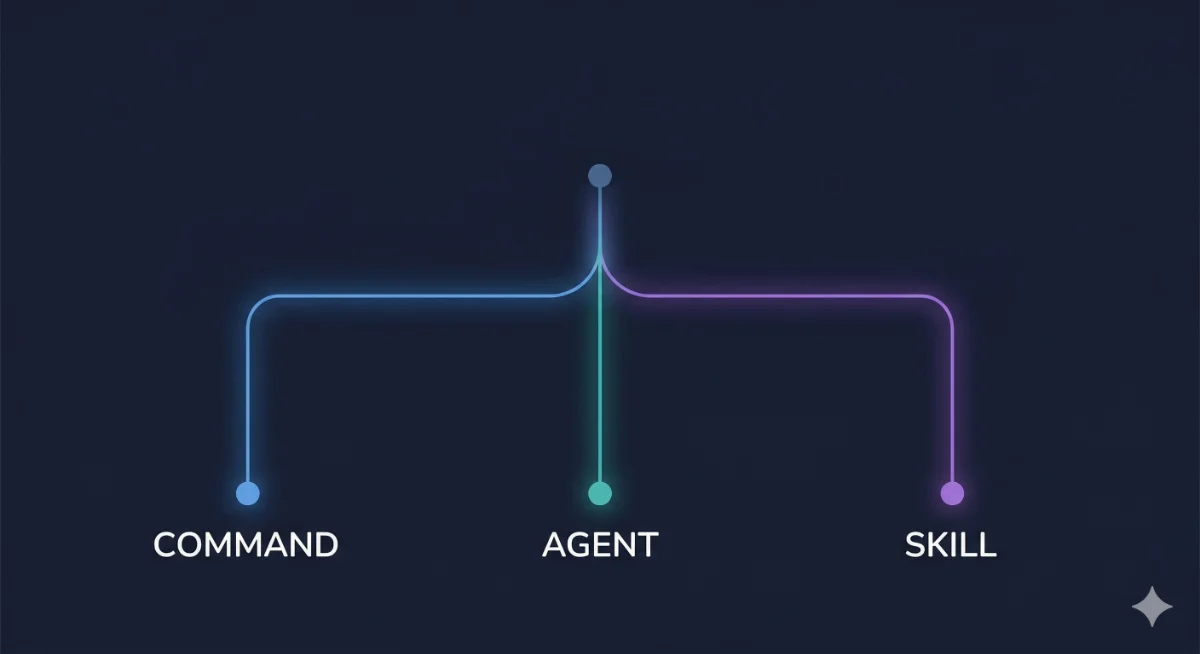
Commands vs Agents vs Skills in Claude Code: When to Use Each
A decision framework for choosing between Commands, Sub-Agents, and Skills in Claude Code. Architecture, trade-offs, and real examples of each pattern.
This site is for developers, automation builders, and power users who already use AI daily and want to push harder.
Real configs from a production setup. Honest opinions on what works. Deep-dives that skip the basics.
No ads. No affiliate links. No sponsored content. No beginner hand-holding. If you need that, AiForThe99.com is built for it.
Every article assumes you know the basics and goes straight to implementation. Real prompts, real configs, real results.
Read the deep-divesClaude Code, agent workflows, automation patterns, tool reviews. Find what matches your current project.
Browse by subjectShip faster with AI-assisted code, automated reviews, and prompts that understand your codebase. Claude Code, custom skills, CI/CD patterns.
Build AI teams, not just use AI tools. Multi-agent orchestration, pipeline design, workflow systems that improve themselves over time.
Pick the right model for the right job. Tool deep-dives, homelab setups, prompt patterns, and the decision frameworks behind every choice.
Opinionated guide to Claude Code workflows that hold up in production. CLAUDE.md management, cross-model dispatch, context control, and the tips that actually matter.
A decision framework for choosing between Commands, Sub-Agents, and Skills in Claude Code. Architecture, trade-offs, and real examples of each pattern.



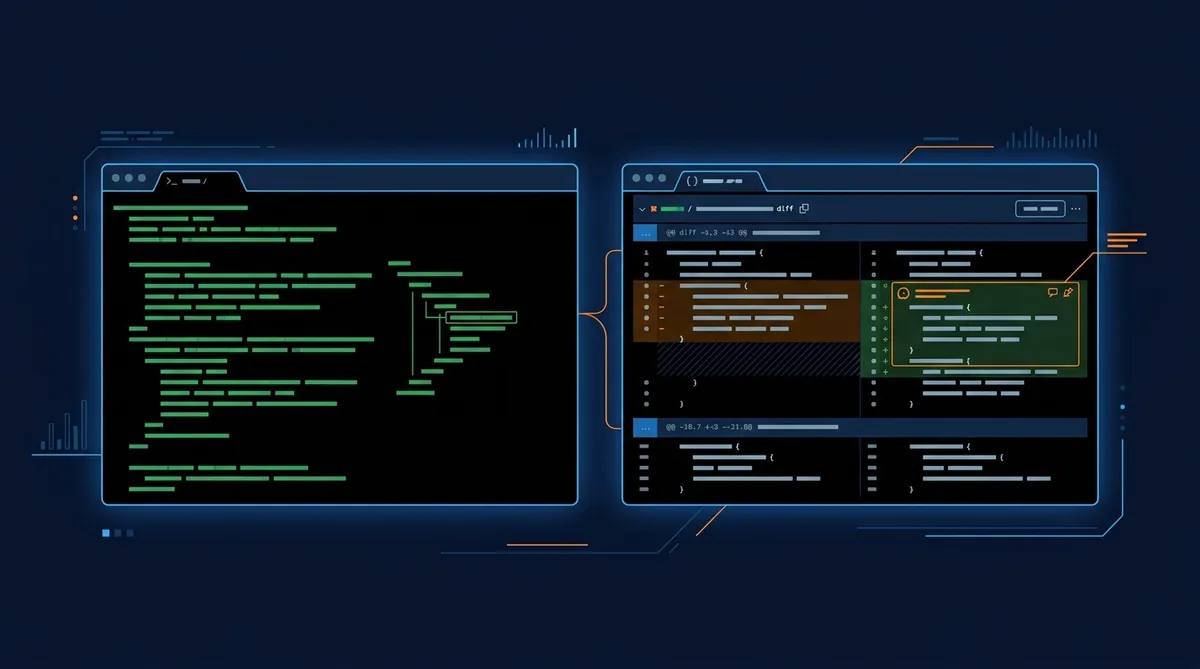


If you’re running CC in a sandboxed environment or CI pipeline where you trust everything, --dangerously-skip-permissions removes the approval prompts entirely. Massive time saver for automated workflows.
Don’t use it on your main machine unless you enjoy living dangerously. The name is the warning.
If you’re still writing long system prompts for every conversation, try this instead: put your persistent context in a CLAUDE.md file at your project root. Claude Code reads it automatically. No copy-pasting, no token waste on repeated instructions.
Keep it under 200 lines. Point to deeper docs instead of inlining everything. Think of it as working memory, not a manual.
Quick mental model:
Skill = a recipe. Static instructions the AI reads before doing work. No runtime, no state. Agent = a worker. Runs autonomously, has tools, makes decisions. Command = a trigger. Shortcut that loads a skill or kicks off a workflow.
Most people over-engineer agents when a skill would do. Start with skills. Graduate to agents when you need persistence or tool use.
Stop asking AI to “build X.” Instead: write a spec (even 10 lines), then hand it to Claude Code or Codex.
The spec forces you to think about what you actually want before the AI starts coding. Result: fewer rewrites, better architecture, and a document you can hand off to anyone.
Specs are leverage. The 15 minutes you spend writing one saves hours of back-and-forth.
If your “AI tool” is just a form that sends a prompt to the API and returns the response, you don’t have a product. You have a UI for something the user could do in 30 seconds with a chat window.
Real value comes from context injection, workflow automation, persistent memory, or domain-specific tooling. If your app doesn’t do at least one of those, reconsider.