Why Your AI Coding Agent Needs a Map, Not More Grep
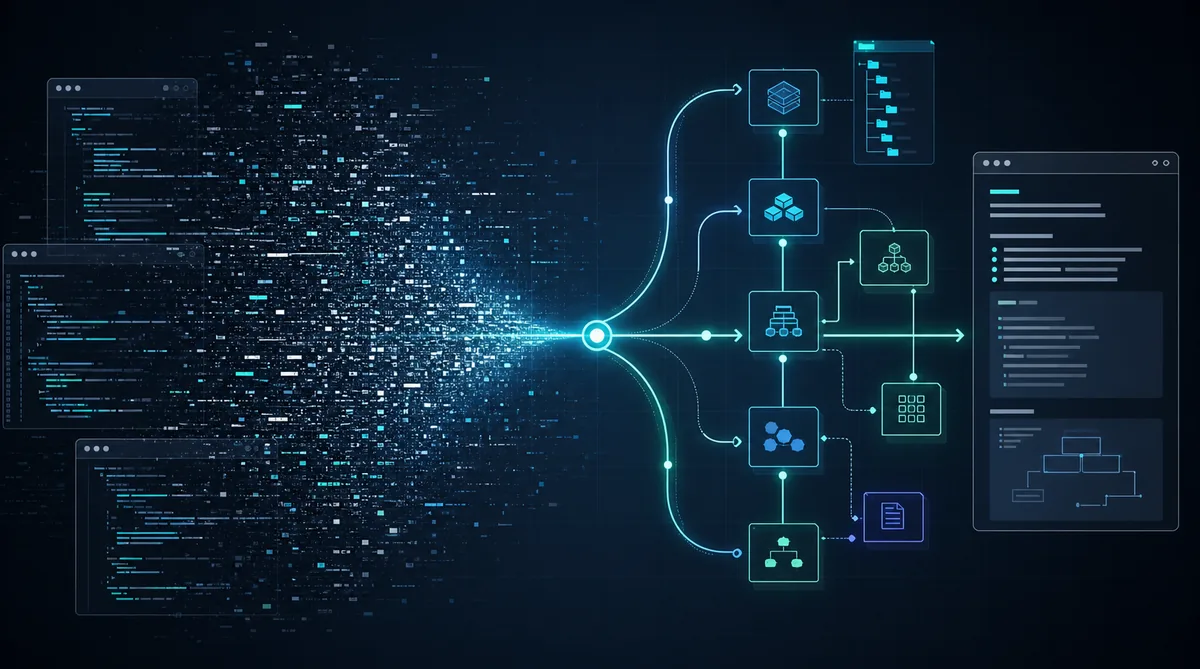
AI coding agents need a project map when raw search starts producing more noise than orientation. In a large repo, repeated grep calls burn context on rediscovery. A persistent graph, report, or architecture view gives the agent a starting model of the system, which usually matters more than another prompt rewrite.
Most agent failures in real codebases are not model IQ problems. They are navigation problems. The agent does not know which modules matter, where design rationale lives, or which relationships are explicit versus guessed, so it keeps asking the filesystem the same questions in slightly different ways.
Repeated grep is a weak default
grep, rg, and symbol search are still useful. The problem starts when they become the whole orientation strategy.
In a small repo, blind search is fine. In a mixed codebase with application code, docs, comments, screenshots, PDFs, and architecture notes, search quickly turns into thrash.
A common failure loop looks like this: rg auth, open three matches, rg session, open two more files, then ask again which service owns login. That can burn 5 to 10 tool calls before the agent has a stable theory. Search finds strings, not structure.
The smell to watch for
What Graphify actually adds
Graphify
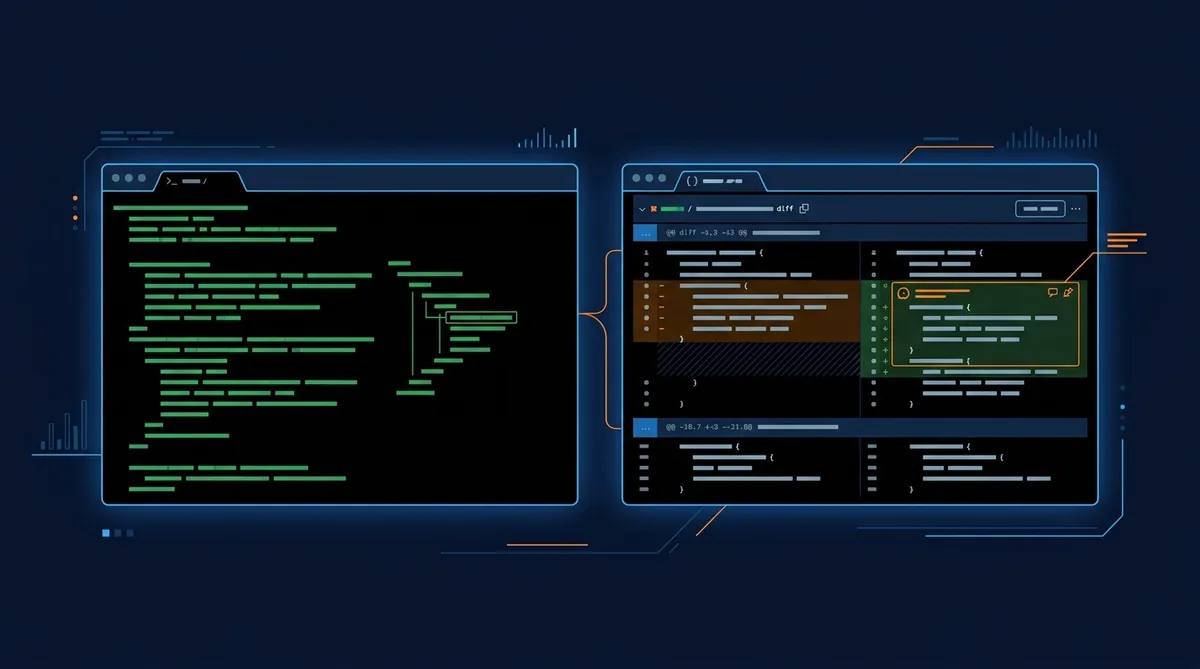
is useful here because it treats orientation as a first-class artifact instead of a side effect of search. The core flow is simple: run /graphify ., let it extract structure, then start from the generated outputs instead of an empty mental model.
According to the current README and repo page checked on May 10, 2026, Graphify produces three main outputs: graphify-out/graph.html, graphify-out/GRAPH_REPORT.md, and graphify-out/graph.json.GitHub repo
The HTML graph is for visual navigation, the markdown report is the fast briefing layer, and the JSON graph is the durable machine-readable artifact.
That split is smart. A human reviewer can skim GRAPH_REPORT.md. An agent can query graph.json later. Both can use the visual graph when they need a quick architecture sense check.
uv tool install graphifyy && graphify install
graphify install --platform codex

# in the repo you want to map
$graphify .
The packaging details also matter because the naming is slightly unintuitive. The official PyPI package is graphifyy
, while the CLI command remains graphify.PyPI
For Codex specifically, the project docs say to enable multi_agent = true under [features] in ~/.codex/config.toml and use $graphify rather than /graphify.GitHub repo
Why persistent maps matter across sessions
The best part of this pattern is not the first run. It is the second, fifth, and tenth run.
Without a persistent orientation artifact, every new agent session starts from stateless file rediscovery. With a saved graph and report, the next session can begin from an already-compressed model of the repo. That changes the first five minutes of work from “what is this place?” to “which branch of this system matters for the task?”
This is where structure-first tooling beats prompt tweaking. A prompt can ask for care. It cannot provide architecture the agent has not grounded. A durable graph can.
Graphify also goes beyond code files. The README says it can pull in markdown, office docs, Google Workspace shortcuts with extra setup, PDFs, images, video, audio, YouTube, and URLs, while keeping code extraction local via tree-sitter.GitHub repo That is exactly the kind of mixed-format reality where plain search performs badly.
The honesty layer is the underrated feature
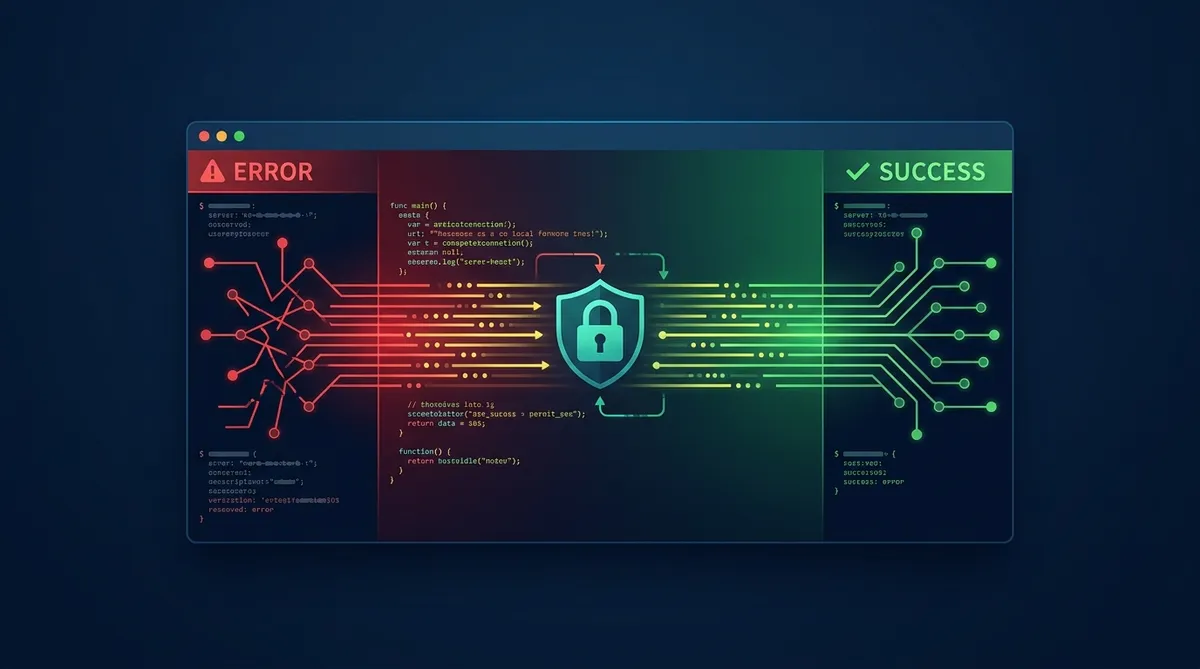
One of the better ideas in Graphify is its confidence labeling. The report marks relationships as EXTRACTED, INFERRED, or AMBIGUOUS.GitHub repo
That is more important than it sounds. Most agent tooling presents a clean answer without separating what was observed from what was synthesized. Once you mix code, docs, and model-assisted extraction, that distinction becomes the difference between a useful orientation layer and a polished hallucination layer.
An agent can use inferred links as leads, then verify them against source files before making changes. That is the right contract. Graph artifacts should improve navigation and hypotheses, not replace source verification.
Agent preflight prompt
Before editing anything, read `graphify-out/GRAPH_REPORT.md` and summarize:
1. the central modules or concepts
2. the likely path from the user-facing entrypoint to the target area
3. any relationships marked `INFERRED` or `AMBIGUOUS` that must be verified in source files

Then propose the smallest file-reading plan that would confirm or reject that model.
When a project map is worth the overhead
You do not need a graph for every repo. For a six-file utility or a surgical bug fix, the setup cost can outweigh the benefit.
The pattern becomes worthwhile when architecture is spread across many files, formats, or contributors. It is especially useful when the repo has weak docs, legacy rationale hidden in comments, or concept names that drift across modules.
- Add a map when the repo is large enough that the agent repeatedly rereads the same structural files.
- Add a map when important rationale lives outside code, such as docs, diagrams, screenshots, or design notes.
- Add a map when multiple agents or sessions will touch the same project and you want a reusable orientation layer.
- Skip the map when the task is narrow, the repo is small, or the architecture is already documented clearly enough.
Another good heuristic is to watch your own transcripts. If the agent spends its first several tool calls on directory listing, grep, and broad file reads before it can explain the system coherently, the repo probably wants a map.
A practical AF1 workflow
The pragmatic version is not “use Graphify for everything.” It is “add an orientation step before deep agent work when the repo earns it.”
Use Graphify or an equivalent map generator as the case study. Read GRAPH_REPORT.md first. Inspect the graph if needed, then switch to direct file reads for verification and edits. That keeps the graph in its proper role: high-leverage orientation, not final authority.
- Build the graph once before major agent work.
- Start each new session by skimming the report, not by grepping the repo cold.
- Treat
INFERREDandAMBIGUOUSedges as leads, not facts. - Verify edits against the actual source files before you trust the map.
- Rebuild the graph after major architectural changes so later sessions do not inherit stale orientation.
If you want the assistant to keep using the map automatically, Graphify can also install per-platform config so the assistant reads GRAPH_REPORT.md before answering project questions, and on some platforms can hook before file-read calls.GitHub repo
That shifts good orientation from “remember to do this” to “the environment nudges it by default.”
FAQ
Does a graph replace direct file reading?
When is Graphify probably overkill?
Why not just improve the system prompt?
What is the most useful output to read first?
GRAPH_REPORT.md. It is the fastest way to get key concepts, connections, and suggested questions before you dive into raw files.The bigger lesson is broader than Graphify. If your agent keeps struggling in the same repo, stop assuming the next improvement lives in model selection or prompt wording. Sometimes the best upgrade is a better map.
Try the orientation layer first
Review the Graphify repo, run it on one codebase that currently causes agent thrash, and compare the first ten tool calls before and after.
Share this article
If this helped, pass it along.