
How to Stop AI Coding Agents from Hallucinating APIs
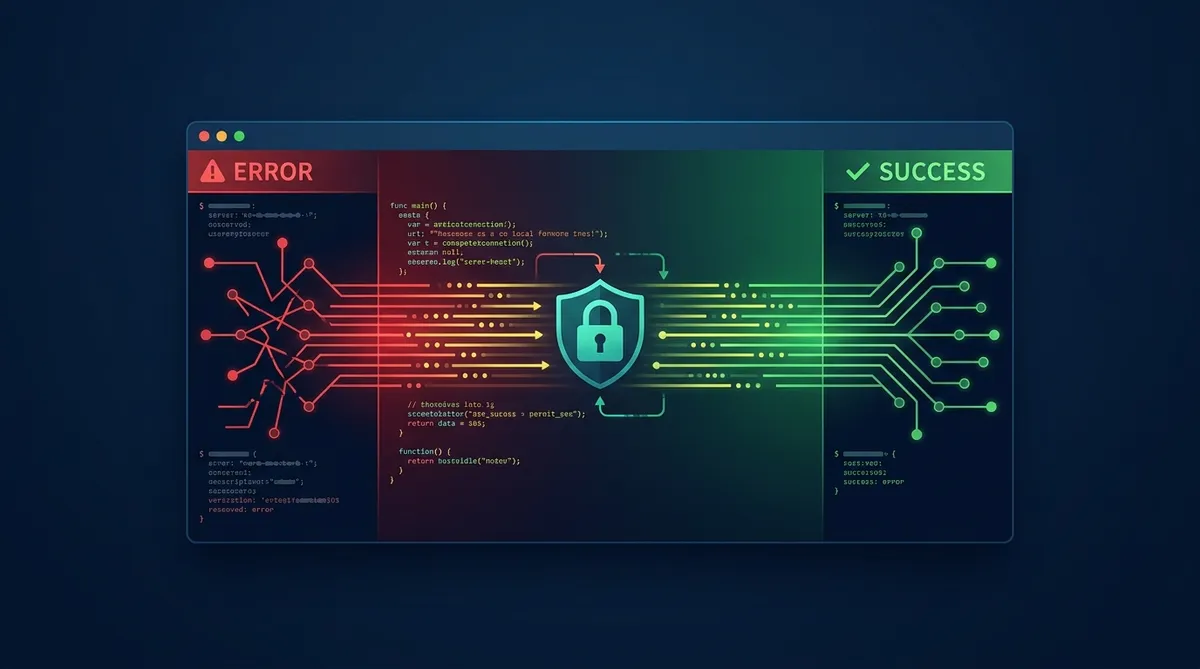
You tell Claude Code to integrate with the Stripe API. It writes beautiful code that calls stripe.charges.create(). One problem: that method has been deprecated for years. The agent confidently wrote code against an API surface that no longer exists.
This is the hallucination problem, and it’s the single biggest reliability issue with AI coding agents today. The agent doesn’t know what it doesn’t know. It fills gaps in its training data with plausible-sounding fabrications. The code compiles, the logic makes sense, but it calls endpoints that don’t exist or passes parameters that were removed three versions ago.
Here’s how to fix it.
Why Agents Hallucinate APIs
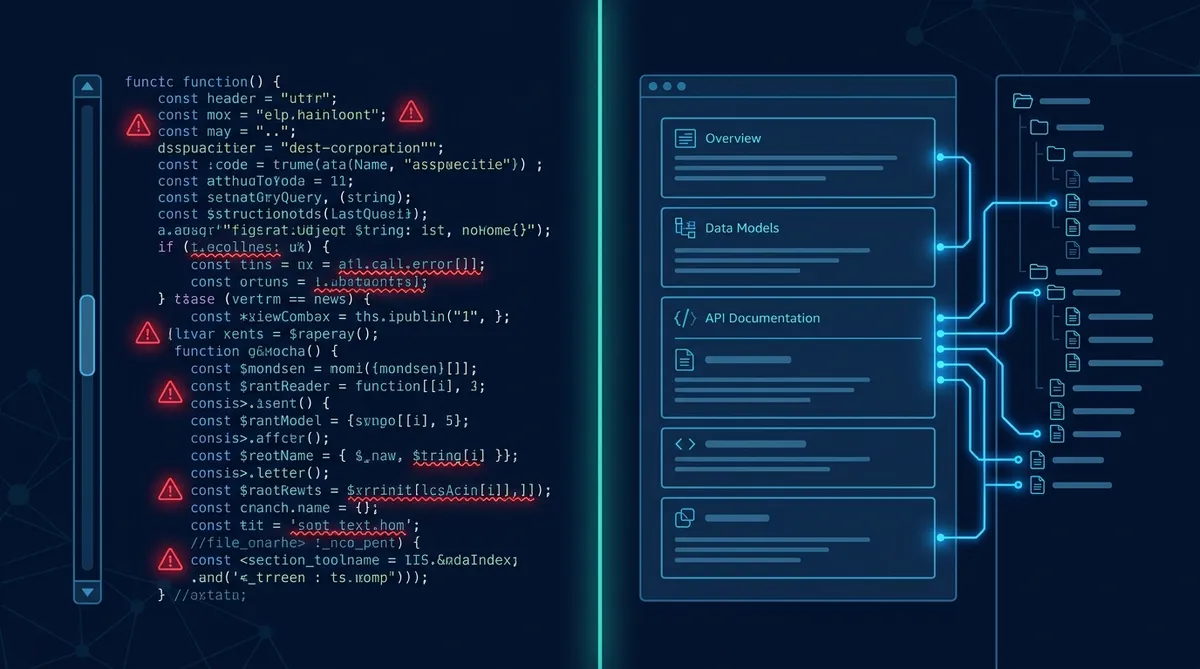
The root cause isn’t stupidity. It’s stale context. LLMs are trained on data with a cutoff date. APIs change constantly. The model learned the Stripe API as of its training data, not as of today. When you ask it to write integration code, it reaches into that frozen snapshot and produces something that was correct 6-18 months ago.
The default fallback is web search. The agent googles the API, finds a mix of current docs, outdated blog posts, Stack Overflow answers from 2021, and forum threads with partial information. It synthesizes all of that into code that’s a patchwork of different API versions.
The failure modes are consistent:
Deprecated methods. The agent calls stripe.charges.create() instead of stripe.paymentIntents.create(). The old method existed in the API for years but has been deprecated since 2019.
Wrong parameters. The function exists, but a required parameter changed names between v3 and v5. The agent passes source when the current API expects payment_method.
Invented endpoints. The agent constructs /api/v2/users/bulk-update because it follows the API’s naming convention. That endpoint has never existed.
Version mismatch. The agent writes openai.ChatCompletion.create() (v0.x SDK syntax) when the project uses the v1.x SDK where it’s client.chat.completions.create().
All of these produce code that looks correct, passes a casual review, and fails at runtime.
The Fix: Curated Context Over Live Search
The solution is straightforward: give the agent access to curated, versioned, current documentation instead of making it search the open web.
Andrew Ng’s team built Context Hub (chub) to solve this at scale. It’s a CLI tool and hosted registry of API documentation specifically structured for AI agents. Instead of “search Google and hope,” the agent can pull verified, version-pinned documentation on demand.
Context Hub Basics
# Install
pip install context-hub

# Fetch curated docs for a specific API
chub get openai/chat --lang python

# List available doc packages
chub search stripe

# Get versioned docs (pin to specific API version)
chub get stripe/checkout --version 2024-01
The key insight is that the documentation is structured for machines, not humans. It includes the function signatures, parameter types, required vs optional fields, return types, and common error codes. No tutorials, no narrative explanations, no blog-style intros. Just the reference material an agent needs to write correct code.
Setting Up Context Hub as a Claude Code Skill
Context Hub works well as a standalone CLI, but it becomes much more powerful when integrated as a Claude Code skill. This way, Claude automatically consults the curated docs before writing integration code instead of relying on training data.
Minimal SKILL.md for Context Hub Integration
---
name: context-hub
description: Fetches curated, versioned API documentation before writing integration code. Use when the user asks to integrate with any external API, write SDK code, or debug API-related errors. Prevents hallucinated endpoints and deprecated method calls.
---

# Context Hub Integration

## Instructions

Before writing any code that calls an external API:

1. Check if curated docs exist: `chub search [api-name]`
2. If found, fetch the relevant section: `chub get [api/section] --lang [language]`
3. Use ONLY the fetched documentation for function signatures, parameters, and endpoints
4. If docs aren't found in chub, tell the user and fall back to web search with explicit version pinning

## Critical Rule
Never rely on training data for API signatures. Always verify against fetched documentation first.
The Annotation Loop
Context Hub includes a feedback mechanism that makes the docs better over time. When an agent discovers that documentation is incomplete or incorrect, it can annotate the gap. Those annotations flow back to the doc maintainers, who update the registry. The next agent that pulls those docs gets the corrected version.
This creates a virtuous cycle: agents using the docs make the docs better, which makes agents more reliable, which drives more usage, which surfaces more gaps. It’s the same pattern as open-source package registries, applied to AI context.
The Rating System
The Broader Pattern: Memory Tiers
Context Hub solves the API-specific hallucination problem. But the underlying pattern applies to any domain where an agent needs reliable, persistent context.
We run a three-tier memory system for our own agent workflows that follows the same principle:
Tier 1 (Always loaded): Core instructions and operational guardrails. Loaded into every session. This is the equivalent of Context Hub’s most-used docs. Keep it small, keep it current.
Tier 2 (Loaded on demand): Detailed workflows, reference files, project context. Read when the agent encounters a relevant task. Like running chub get for a specific API.
Tier 3 (Deep reference): Build specs, historical decisions, architecture docs. Only consulted when the agent is modifying or investigating a specific system. The full API reference you pull up once a month.
Memory Tier Pattern for CLAUDE.md
# Tier 1: Always Loaded (CLAUDE.md)
- Project structure and key conventions
- Active tasks and priorities
- Known gotchas and hard rules
- Pointers to Tier 2 files for drill-down

# Tier 2: On-Demand (memory/ folder)
- Workflow docs for specific processes
- API reference for internal services
- Team conventions and style guides

# Tier 3: Deep Reference (specs/ folder)
- Architecture decision records
- Build specs and migration history
- Vendor documentation snapshots
The key is the same as Context Hub: curated, versioned, structured for the agent. Don’t make the agent search for information it needs regularly. Put it where it can find it reliably.
The Lessons-Learned Pattern
From “Search and Hope” to “Curated and Versioned”
The mental shift here is important. Most people treat AI agents like smart interns who can google things. They can, but the results are unreliable. The better model is treating agents like skilled workers who need the right reference materials on their desk.
Context Hub curates those materials for public APIs. Your CLAUDE.md and memory files curate them for your internal systems. Both follow the same principle: if the agent needs information to do its job correctly, that information should be pre-positioned, version-controlled, and structured for machine consumption.
Stop asking your agents to search. Start giving them references.
Get Started
Install Context Hub and integrate it as a Claude Code skill. Then audit your CLAUDE.md: does it contain the context your agent actually needs, or are you making it guess?
Share this article
If this helped, pass it along.