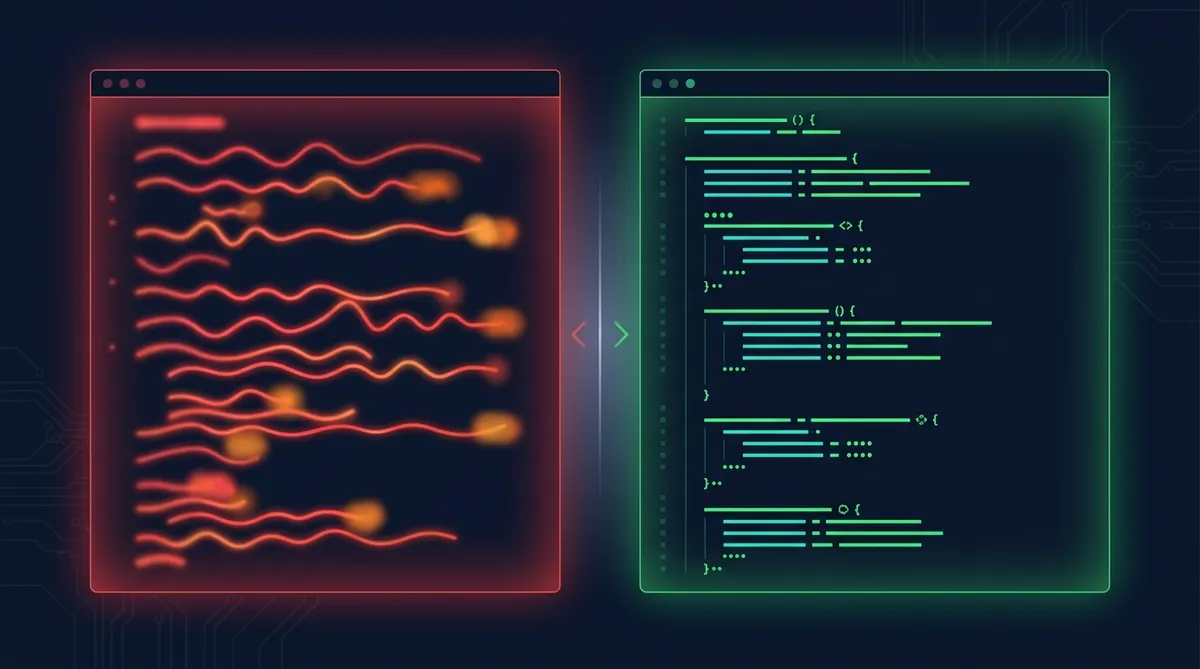

Building a CLAUDE.md That Actually Works
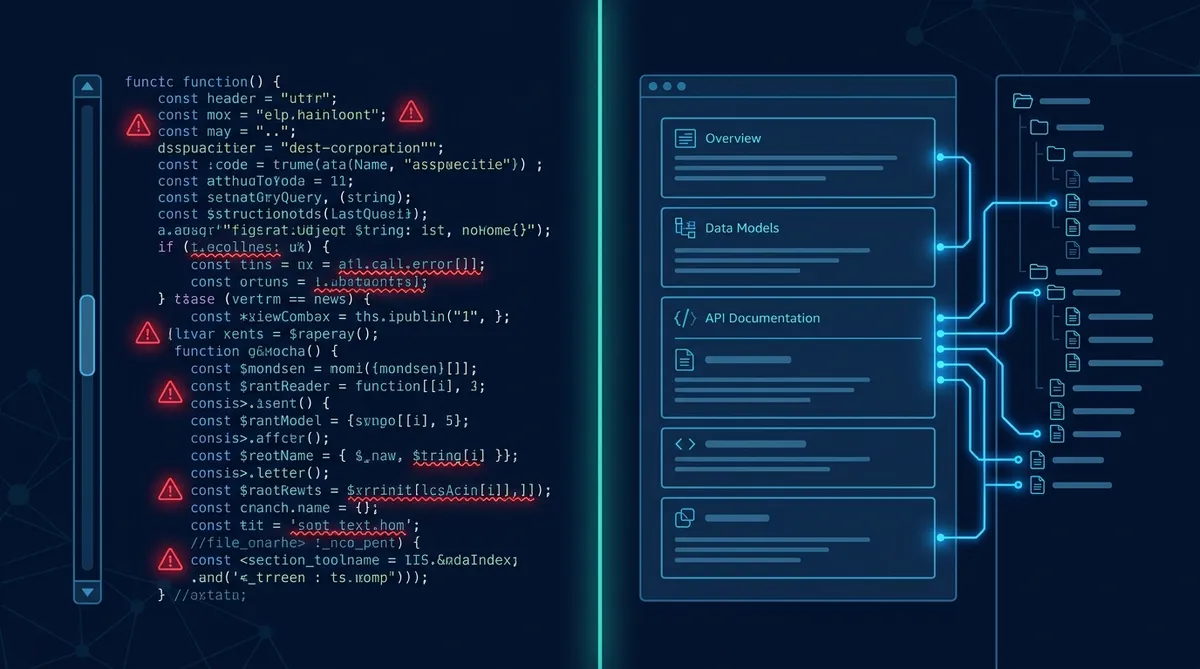
You know the pattern. You start a new Claude Code project, create a CLAUDE.md, and start dumping everything in there. Project context, coding preferences, API notes, team member names, database schemas. Two weeks later it’s 400 lines of stream-of-consciousness notes and Claude still asks you the same questions every session.
The problem isn’t Claude. It’s the file.
We run a multi-agent system across two machines with 15+ active projects, seven content roles, and a publishing pipeline. Our CLAUDE.md is the backbone. Here’s how we structured it so it actually works at scale.
The Core Problem: Flat Files Don’t Scale
A single CLAUDE.md has a hard ceiling. The community recommendation is roughly 200 lines. Past that, you’re burning context tokens on information Claude doesn’t need for the current task, and the file becomes impossible to maintain.
Most people hit this wall and do one of two things: they keep stuffing the file until it’s a mess, or they aggressively trim it and lose context they need later. Both approaches fail because they treat CLAUDE.md as a single container for everything.
The Mental Model
Three-Tier Memory: What, Where, and How Deep
The fix is separating memory into three tiers, the same way human brains do.
Tier 1: CLAUDE.md (always loaded). This is working memory. What am I working on? Who are the people? What are the key terms? Where do I find deeper info? This tier answers WHAT, WHY, WHEN, and WHERE. It never answers HOW in detail. Every line either states a fact or points to a file.
Tier 2: memory/ directory (read on demand). These are one-pagers. Project overviews, people profiles, workflow docs, role definitions. Claude reads these when it needs operational context for the current task. One file per topic, each self-contained.
Tier 3: specs/ and deep reference (rarely read). Build specs, historical decision logs, architecture docs. These are the “owner’s manuals.” Claude only reads these when building or investigating something specific.
Each tier points to the next. CLAUDE.md says “Full workflow: memory/workflows/content-publishing.md”. That workflow doc might reference “Build spec: specs/launchcontrol-v2.md”. Claude follows the chain only as deep as the task requires.
What Actually Goes in Tier 1
Here’s the structure that works. Every section in CLAUDE.md should be scannable in seconds.
Identity block. Who is the user? What’s the setup? One paragraph, maybe five lines. Ours says: stay-at-home dad, two kids, homelab server at a specific IP, primary desktop is PC1 (Windows), strengths and available hours. That’s enough for Claude to know the working environment without a biography.
People table. Names, roles, one-line descriptions. If Claude is going to encounter these names in tasks, it needs to know who they are without asking. Ours has seven entries: five AI agents and two family members. Each entry is one line.
Terms table. Every abbreviation, project codename, and internal shorthand. This is the glossary. When you write “deploy to LC,” Claude knows LC is LaunchControl and knows where to find the full docs.
Example: Terms Table
| Term | Meaning |
|------|---------|
| MC | Mission Control, task/agent management app on server1 |
| LC | LaunchControl, content delivery app for publishing |
| GSDF | Getting Stuff Done Funnel, personal task capture system |
| CC | Claude Code, the CLI coding tool |
Projects table. Name, one-line description, location. Not how the project works. Just what it is and where it lives.
Preferences section. This is the section people underestimate. Fifteen lines of preferences can cut your correction rate in half. Things like “no em dashes,” “prefers markdown over PDF,” “end conversations with concrete next actions.” These are the instructions Claude follows on every response without you repeating them.
Key dates. Deadlines, milestones, anything time-sensitive. Claude checks these when prioritizing work.
Pointers. The rest of Tier 1 is just pointers. “Content pipeline: memory/projects/content-pipeline.md”. “Publishing workflow: memory/workflows/content-publishing.md”. “Role system: memory/roles/index.md”. You’re telling Claude where the knowledge lives, not repeating it.
Tier 2: The One-Pager Library
The memory/ directory is where operational knowledge lives. Our structure:
memory/
  agents/       # AI agent profiles and capabilities
  context/      # Situational context docs
  people/       # People profiles
  projects/     # Project overviews (one per project)
  roles/        # Role instruction files
  workflows/    # Documented processes
  principles.md # Operating principles
  roadmap.md    # Current roadmap
Each file follows a pattern: it’s self-contained, fits on one screen, and answers “how does this work?” for its topic. When Claude needs to write content, it reads the relevant voice profile. When it needs to publish, it reads the publishing workflow. It never loads all of Tier 2 at once.
The Key Insight
When to Promote and Demote
Information moves between tiers based on frequency of use.
Promote to Tier 1 when you find yourself loading the same Tier 2 file in every session. If it’s referenced that often, the pointer should be in CLAUDE.md and maybe the key facts should be too.
Demote to Tier 2 when a section of CLAUDE.md hasn’t been relevant for a week. Historical context, completed project details, one-time decisions. Move the details to a memory/ file and leave a one-line pointer.
Archive to Tier 3 when a Tier 2 doc is only needed for deep investigation. Build specs, migration plans, post-mortems. These don’t change and aren’t referenced in daily work.
The rule: if you haven’t read it in two weeks, it’s in the wrong tier.
The Preferences Section: 15 Lines That Change Everything
Here’s what a well-tuned preferences section looks like, in condensed form:
Preferences That Cut Correction Rate
- No em dashes in any output
- Prefers markdown over PDF for reference docs
- End conversations with concrete next actions
- Ask clarifying questions before proposing plans
- Quick wins first: if a task takes less than 5 minutes, do it now
- Act like an API: give results and recommendations, skip over-explaining
- Focus on building repeatable systems over one-off tasks
- "Do the RIGHT things, the RIGHT way, RIGHT away" (prioritize, execute, move)
Each of these prevents a recurring correction. Before we added “no em dashes,” we corrected it in almost every response. Before “end with concrete next actions,” conversations would trail off into open-ended questions. These preferences compound. Eight corrections prevented per session times five sessions per day is forty fewer interruptions per day.
Common Mistakes
Dumping how-to content in Tier 1. Your CLAUDE.md doesn’t need a 30-line explanation of how publishing works. It needs one line: “Publishing workflow: memory/workflows/content-publishing.md”. The explanation lives in Tier 2.
No terms table. Every project develops its own shorthand. If Claude doesn’t know your shorthand, it guesses. Sometimes it guesses wrong and you don’t notice until something breaks.
Stale information. A CLAUDE.md that says “Phase 2: IN PROGRESS” when you finished Phase 2 three weeks ago is actively harmful. Claude makes decisions based on outdated context and gives you suggestions that were relevant a month ago. We review and update Tier 1 at the start and end of every work session. At minimum, do it weekly.
No preferences. Claude adapts to your style over a conversation, but it resets every session. Preferences persist what you’ve taught it. Without them, you’re re-training Claude every morning. We tracked this: before adding our preferences section, we averaged 8-10 corrections per session on formatting and style alone. After, nearly zero.
Putting It Together
Start with the minimum viable CLAUDE.md: identity block, terms table, projects table, preferences. That’s maybe 50 lines. Use it for a week and notice what you keep explaining or correcting.
Every time you repeat yourself, ask: should this be a preference (Tier 1), a reference doc (Tier 2), or is Claude just missing a pointer? Add accordingly.
Create your memory/ directory when Tier 1 hits 100 lines. Start extracting how-to sections into standalone files. Leave pointers behind.
After a month, you’ll have a CLAUDE.md that’s lean and precise, a memory/ directory that covers your operations, and an AI agent that works like it’s been on the team for months instead of starting fresh every session.
Start Building
Create your three-tier memory structure and start working with an AI that actually remembers.
Share this article
If this helped, pass it along.